
REG-03 Notice for Constitution of Business Verification – Reply Format
Receiving an official notice right after you’ve applied for your GST registration can feel stressful. That email with the subject “Notice for Seeking Additional Information / Clarification / Documents” in FORM GST REG-03 might seem alarming, but it’s a common step in the verification process. The key to moving forward without delays is understanding how to structure a perfect REG-03 notice reply format. This notice is simply a standard query from a GST officer who needs more details to verify your application. A timely and accurate response is absolutely crucial for getting your GSTIN approved, and this comprehensive guide will provide you with a clear, step-by-step breakdown to ensure smooth business verification compliance India. For a complete overview of the initial application, see our Ultimate Guide to GST Registration for Small Businesses.
What is a GST REG-03 Notice and Why Did You Receive It?
In the GST registration process, your application (FORM GST REG-01) is assigned to a proper officer for scrutiny. If this officer finds any discrepancies, missing information, or requires further clarification on the details you provided, they issue a ‘Show Cause Notice’ using FORM GST REG-03. Think of it not as a rejection, but as a request for more information. This is a very normal part of the process for a business verification notice India, designed to ensure that all information on the GST network is accurate and valid. Receiving one doesn’t mean you’ve done something wrong; it simply means the officer is performing their due diligence and needs your cooperation to complete the verification. Successfully responding to REG-03 notice in India is your pathway to a successful GST registration.
Common Reasons for Receiving a REG-03 Notice
To draft an effective reply, you first need to understand exactly what the officer is asking for. The queries in a REG-03 notice usually fall into a few common categories. Identifying the specific issue in your application is the first step toward resolving it.
1. Mismatch in PAN/Aadhaar Details
This is one of the most frequent reasons for a notice. The GST system is integrated with the CBDT (for PAN) and UIDAI (for Aadhaar) databases. Any small inconsistency will be flagged immediately. Common errors include a mismatch between the name on the PAN card and the name entered in the GST application, discrepancies in the date of birth of the proprietor or director, or a failure of the Aadhaar authentication process. Always double-check that the legal name and details of the authorized signatory match their PAN and Aadhaar records precisely.
2. Issues with Proof of Principal Place of Business
The documents you submit to prove your right to use your business premises are heavily scrutinized. The requirements differ based on your situation, and failing to provide the correct documentation is a common trigger for a REG-03 notice.
- Owned Property: If you own the premises, you must provide a recent document like the latest property tax receipt, a copy of the municipal khata, or a recent electricity bill in the owner’s name.
- Rented Property: For rented premises, a valid Rent or Lease Agreement is mandatory. Critically, you must also upload a supporting document to prove the landlord’s ownership, such as their property tax receipt or an electricity bill in their name. A common mistake is submitting an expired rent agreement.
- Consented/Shared Property: If you are operating from premises owned by someone else (like a family member) without a formal rent agreement, you must provide a Consent Letter or a No Objection Certificate (NOC) from the property owner. This letter must be accompanied by the owner’s proof of ownership, like an electricity bill. Missing this NOC is a very common reason for a query.
3. Invalid ‘Constitution of Business’ Documents
The officer needs to verify the legal existence and structure of your business. The documents required depend on your business type, and submitting the wrong or an incomplete document will lead to a notice. This is a core part of your constitution of business notice response India.
- Proprietorship: While a specific registration document isn’t usually required, the proprietor’s PAN is the primary proof of constitution.
- Partnership Firm: A clear, scanned copy of the Partnership Deed is mandatory.
- LLP/Company: The Certificate of Incorporation issued by the Ministry of Corporate Affairs (MCA) is the required document. For a full list, refer to the Documents Required for Incorporation of a Company. Ensure the scan is clear and all details are legible.
4. Vague Description of Business Activities (HSN/SAC Codes)
Your GST application requires you to list the top 5 goods or services your business will deal in. You must provide a clear description along with their respective HSN (for goods) or SAC (for services) codes. If your description is too generic (e.g., “General Trading” or “Consulting Services”) or if the HSN/SAC codes provided seem incorrect for the described business, the officer will issue a REG-03 notice seeking more specific details.
The Correct REG-03 Notice Reply Format: A Step-by-Step Guide
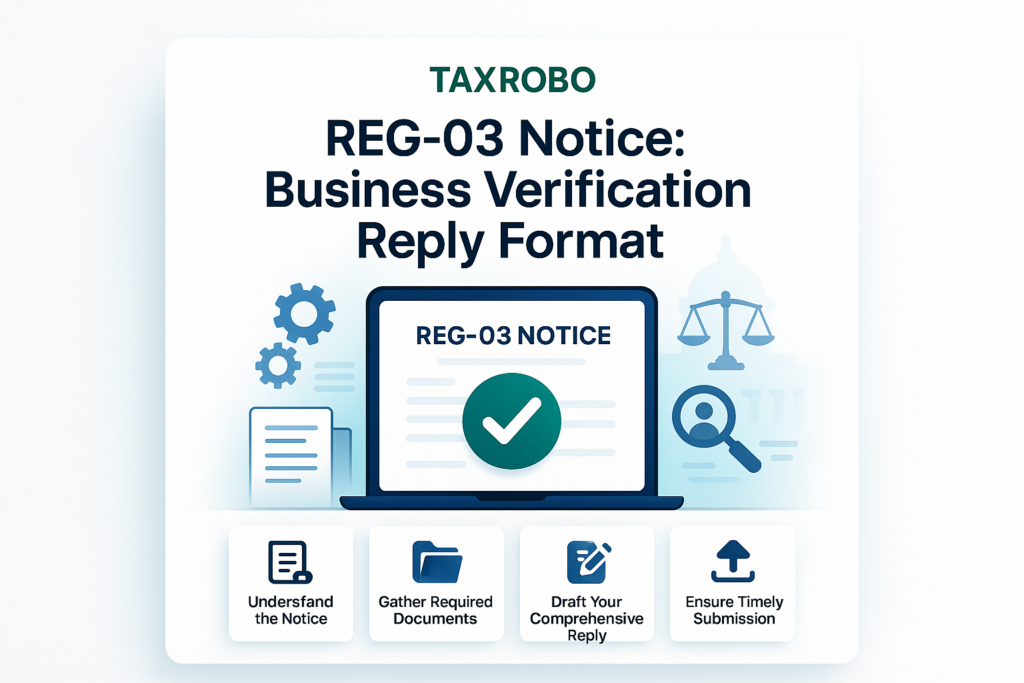
Filing a clear and comprehensive reply is your only task once you receive the notice. The GST portal has a specific module for this. Following the correct REG-03 notice reply format ensures that the officer receives all the necessary information in a structured manner, increasing the chances of a quick approval.
Step 1: Access the Notice on the GST Portal
First, you need to locate the notice to understand the queries.
- Visit the official GST portal: GST Portal.
- Log in and navigate to Services > Registration > Application for Filing Clarifications.
- You will be prompted to enter your Application Reference Number (ARN), which you received via email and SMS when you first applied. Once entered, the notice (FORM GST REG-03) will be displayed.
Step 2: Carefully Analyze the Officer’s Queries
This is the most critical step. Read the notice very carefully. It will contain specific, numbered queries. Do not rush this process. Understand exactly what document or clarification is being requested for each point. A generic or incomplete reply will almost certainly lead to rejection. The officer has taken the time to point out specific deficiencies; your reply must address each one directly.
Step 3: Prepare Your Written Clarification and Supporting Documents
Before you start filing on the portal, get all your materials ready.
- Written Response: Open a word processor and draft a point-by-point reply. For each query raised by the officer, write a clear and concise clarification. This will form the body of your response.
- Supporting Documents: Identify all the documents you need to submit. Scan them clearly. Ensure each document is in the prescribed format (PDF or JPEG) and that the file size for each is under 1MB. A blurry or illegible scan is as bad as not submitting the document at all. This preparation is essential for successfully responding to REG-03 notice in India.
Step 4: Structuring the Written Response (The Reply Format)
Your written response should be professional, direct, and address all concerns. You can copy-paste this into the text box on the GST portal. Here is a widely accepted template:
To,
The Jurisdictional Officer,
[Your Ward/Circle/State]

Reference: Application Reference Number (ARN) - [Your ARN Number]
Subject: Reply to Show Cause Notice in FORM GST REG-03

Respected Sir/Madam,

This is in response to the notice issued on [Date of Notice] regarding our application for GST registration. We are providing the following clarifications and documents as requested:

Query 1: [State the exact query raised by the officer from the notice]
Our Clarification 1: [Provide your clear and concise response to the query]. To support this, we have attached [Document Name] for your kind verification.

Query 2: [State the second query raised by the officer]
Our Clarification 2: [Provide your clear and concise response to the second query]. The required [Document Name] is attached herewith for your reference.

(Repeat this structure for every query raised in the notice)

We believe the above clarifications and the attached documents satisfactorily address the points raised in the notice. We kindly request you to review the same and approve our application for GST registration at the earliest.

Thank you for your time and consideration.

Sincerely,
[Your Name/Authorised Signatory Name]
[Name of Business]
Step 5: File the Reply on the GST Portal
With your written response and scanned documents ready, it’s time to file.
- In the “Application for Filing Clarifications” window, you will see the queries raised by the officer.
- There will be a text box for your response. Copy and paste your prepared written reply here.
- Below the text box, there will be an option to upload your supporting documents. Attach each document one by one.
- Once everything is in place, you must submit the application. This is done by authenticating it using either a Digital Signature Certificate (DSC) or an Electronic Verification Code (EVC), which is an OTP sent to the mobile number linked with the authorized signatory’s Aadhaar.
What Happens After You File Your Reply?
Once you have submitted your clarification in FORM GST REG-04, the ball is back in the officer’s court. There are three possible outcomes.
Scenario 1: Approval (Happy Path)
If your reply and the submitted documents are found to be satisfactory, the officer will approve your application. They will issue your GST registration certificate in FORM GST REG-06 within approximately 7 working days of your submission. You will receive your GSTIN and can commence your business operations as a registered taxpayer. Once approved, your next step will be to learn How to File GST Returns Online: A Step-by-Step Guide of the GST Filing Process & Procedure.
Scenario 2: Rejection
If the officer is still not satisfied with your clarification or if the documents provided are inadequate, they can reject your application. In this case, an order of rejection will be issued in FORM GST REG-05. Unfortunately, you cannot appeal this rejection. Your only option is to start over and file a completely new application for GST registration, ensuring you do not repeat the previous mistakes.
Scenario 3: Deemed Approval
The GST laws provide a specific timeline for officers to act. If the proper officer takes no action on your clarification (neither approves nor rejects it) within 7 working days from the date of your submission, your application is considered to be “deemed approved.” The system will automatically generate your GST registration certificate.
Conclusion
Receiving a GST REG-03 notice can be intimidating, but it is a manageable part of the registration journey. The key is to act promptly and correctly. By carefully understanding the officer’s queries, gathering the precise documents, and using the proper REG-03 notice reply format, you can resolve the issues efficiently. Remember to file your response within the 7-day deadline to avoid automatic rejection. This notice is not a dead end but a solvable hurdle on your path to becoming a GST-compliant business.
Navigating GST notices and procedures can be complex. If you need expert assistance in drafting a perfect constitution of business notice response India or ensuring all your paperwork is in order, TaxRobo’s team of experts is here to help. Contact us for seamless business verification compliance India and get your GST registration approved without any hassle. Visit our TaxRobo GST Service page to learn more.
Frequently Asked Questions (FAQs)
Common Questions about the REG-03 Notice Reply Format
1. What is the time limit to reply to a GST REG-03 notice?
You must file your reply, along with any required documents, in FORM GST REG-04 within 7 working days from the date you receive the notice. This is a strict deadline.
2. What happens if I miss the 7-day deadline?
If you fail to respond within the stipulated time, the GST officer has the authority to reject your application outright. You will receive a rejection order in FORM GST REG-05, and you will have to start the entire registration process from scratch.
3. Can I modify my original application while filing the reply?
Yes, the GST portal allows you to edit information in the non-core fields of your original application while filing the clarification. Non-core fields include details of business, promoter information, authorized signatory, etc. However, you cannot change core fields like your PAN, legal name of the business, or the state of your principal place of business.
4. Is a Digital Signature Certificate (DSC) mandatory for filing the reply?
A DSC is mandatory for all Companies and Limited Liability Partnerships (LLPs). For other types of applicants, such as Proprietorships, Partnership Firms, and Hindu Undivided Families (HUFs), the reply can be submitted using an Electronic Verification Code (EVC), which is an OTP sent to the Aadhaar-linked mobile number of the authorized signatory.
5. Where can I find my Application Reference Number (ARN)?
The ARN is a unique 15-digit number that is generated and sent to your registered email address and mobile number immediately after you successfully submit Part A of your GST registration application. The ARN is also prominently mentioned on the REG-03 notice itself.